
Introduction
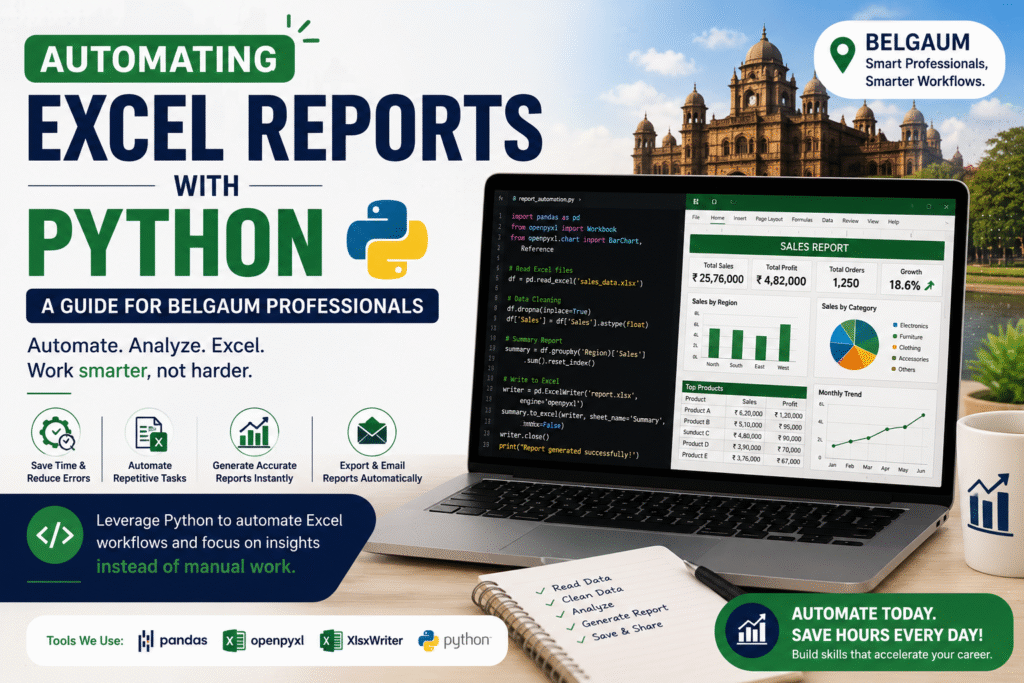
Excel has been the backbone of business reporting for decades. From tracking sales and managing inventory to preparing financial statements and analyzing customer data, organizations rely heavily on spreadsheets. However, as businesses grow, manually updating Excel reports becomes time-consuming, repetitive, and prone to errors.
This is where Python comes into the picture. Python is one of the world’s most popular programming languages for automation and data analytics. It allows businesses to automate repetitive Excel tasks, generate reports in minutes, and improve productivity without compromising accuracy.
For professionals and students seeking to build in-demand technical skills, learning Python for Excel automation is a valuable investment. Whether you work in manufacturing, retail, healthcare, banking, or IT, mastering Python can significantly improve your efficiency and career prospects. If you’re looking to enhance your analytics skills, learning Excel automation with Python is becoming an essential part of modern Data Analytics and Business Analytics training in Belgaum.
Why Automate Excel Reports?
Many professionals spend hours every week performing repetitive Excel tasks such as:
- Copying and pasting data
- Cleaning duplicate records
- Updating reports
- Creating Pivot Tables
- Formatting spreadsheets
- Sending reports through email
- Combining multiple Excel files
These tasks consume valuable time that could be spent on analysis and decision-making.
Python automates these repetitive activities, allowing professionals to generate reports with a single script.
Benefits include:
- Faster reporting
- Improved accuracy
- Reduced manual effort
- Error-free calculations
- Increased productivity
- Better data management
Why Python is Perfect for Excel Automation
Python is widely used in Business Analytics because it is easy to learn and has powerful libraries for handling Excel files.
Some advantages include:
Simple Syntax
Python’s readable syntax makes it beginner-friendly.
Large Community Support
Thousands of tutorials, documentation, and open-source libraries are available.
Cross-Platform Compatibility
Python runs on Windows, macOS, and Linux.
Integration with Business Tools
Python integrates seamlessly with:
- Microsoft Excel
- SQL Server
- Power BI
- Tableau
- Google Sheets
- APIs
- Cloud Platforms
Essential Python Libraries for Excel Automation
Several Python libraries make Excel automation simple and efficient.
Pandas
Pandas is the most popular library for data analysis.
It helps you:
- Read Excel files
- Clean datasets
- Filter records
- Merge files
- Analyze business data
- Export reports
Example tasks:
- Remove duplicates
- Handle missing values
- Create summary reports
- Generate sales analysis
OpenPyXL
OpenPyXL allows Python to interact directly with Excel workbooks.
It can:
- Create Excel files
- Update worksheets
- Apply formatting
- Insert formulas
- Generate charts
- Modify existing reports
XlsxWriter
XlsxWriter is ideal for creating professional Excel reports.
Features include:
- Charts
- Conditional Formatting
- Pivot-like summaries
- Tables
- Cell styling
- Dashboards
NumPy
NumPy performs fast mathematical calculations.
Useful for:
- Statistical analysis
- Financial calculations
- Data transformation
Matplotlib
Matplotlib creates graphs that can be exported directly into Excel reports.
Examples:
- Sales trends
- Profit analysis
- Customer growth
- Inventory charts
Real-World Excel Automation Projects
The best way to master Python is by working on practical business scenarios.
Here are some projects every learner should build.
Sales Report Automation
A retail company receives daily sales data from multiple branches.
Python can automatically:
- Merge all Excel files
- Clean the data
- Calculate revenue
- Create charts
- Generate monthly reports
Time saved: Several hours every week.
Employee Attendance Report
HR departments often maintain attendance in Excel.
Python can automate:
- Attendance calculation
- Leave summaries
- Late arrival reports
- Monthly attendance dashboards
Inventory Management
Inventory teams update stock reports every day.
Python automates:
- Stock updates
- Low inventory alerts
- Vendor reports
- Purchase recommendations
Financial Reporting
Finance professionals can automate:
- Profit & Loss Reports
- Budget Reports
- Expense Tracking
- Cash Flow Analysis
- GST Calculations
Customer Data Cleaning
Marketing teams collect customer data from multiple sources.
Python automatically:
- Removes duplicate entries
- Standardizes formats
- Corrects missing values
- Creates clean CRM reports
Integrating Python with Power BI
One of the biggest advantages of learning Python is its ability to work alongside Power BI.
Python can:
- Prepare datasets before importing into Power BI
- Clean large datasets automatically
- Perform advanced statistical analysis
- Build predictive models
- Generate custom visualizations
Many Business Analysts use Python and Power BI together to create advanced reporting solutions.
Industries Using Excel Automation in Belgaum
Belgaum has a growing industrial ecosystem, making automation skills increasingly valuable.
Manufacturing
Companies automate:
- Production reports
- Inventory tracking
- Vendor analysis
- Quality control reports
Healthcare
Hospitals automate:
- Patient records
- Billing reports
- Appointment schedules
- Pharmacy inventory
Retail
Retail businesses automate:
- Daily sales reports
- Customer analysis
- Inventory management
- Revenue dashboards
Finance
Financial institutions automate:
- Loan reports
- Budget analysis
- Investment tracking
- Compliance reporting
Logistics
Logistics companies automate:
- Delivery tracking
- Shipment reports
- Fleet performance
- Warehouse management
Career Opportunities After Learning Python Automation
Python automation is one of the most requested skills in today’s job market.
Popular job roles include:
- Data Analyst
- Business Analyst
- Python Developer
- Automation Engineer
- MIS Executive
- Reporting Analyst
- Financial Analyst
- Business Intelligence Developer
- Data Engineer
- Operations Analyst
Professionals with Python, SQL, Excel, and Power BI expertise are highly valued across industries.
Skills You Should Learn Alongside Python
To become job-ready, combine Python with these technologies:
- Advanced Excel
- SQL
- Power BI
- Tableau
- Statistics
- Business Analytics
- Data Visualization
- Machine Learning Basics
- Git and Version Control
This combination creates a strong foundation for careers in analytics and automation.
Tips for Learning Python Automation
If you’re just starting, follow these best practices:
- Learn Python fundamentals before diving into automation.
- Practice with real Excel datasets instead of sample files.
- Build small projects and gradually increase complexity.
- Understand business workflows to automate meaningful tasks.
- Learn to debug scripts and optimize performance.
- Maintain a portfolio of automation projects to showcase your skills during interviews.
Consistent practice is more valuable than memorizing syntax.
Why Belgaum Professionals Should Learn Python Automation
As businesses in Belgaum continue to adopt digital tools, employers are seeking professionals who can streamline operations and improve reporting processes. Python automation not only saves time but also helps organizations make faster, data-driven decisions.
Whether you’re a student preparing for placements, an accountant managing financial reports, an HR executive handling employee records, or a business analyst building dashboards, Python automation can make your work more efficient and increase your value in the workplace.
Conclusion
Manual Excel reporting is gradually becoming a thing of the past. Organizations now expect professionals to automate repetitive tasks, reduce errors, and deliver insights quickly. Python provides a simple yet powerful way to transform traditional Excel workflows into efficient, automated reporting systems.
For professionals and aspiring analysts in Belgaum, learning Python for Excel automation is a practical step toward a rewarding career in business analytics. Combined with skills in Excel, SQL, and Power BI, Python enables you to automate reports, analyze data, and support better business decisions.
If you’re looking to future-proof your career, now is the perfect time to start learning Python automation and become a valuable asset in today’s data-driven business environment.
SEO Meta Title
Automating Excel Reports with Python: A Complete Guide for Belgaum Professionals
Meta Description
Learn how to automate Excel reports with Python using Pandas, OpenPyXL, and XlsxWriter. Discover real-world projects, career opportunities, and automation techniques for professionals in Belgaum.
Suggested URL Slug
/automating-excel-reports-python-belgaum
Target Keywords
- Automating Excel Reports with Python
- Python Excel Automation
- Python Training in Belgaum
- Data Analytics Course in Belgaum
- Business Analytics Training in Belgaum
- Python for Business Analytics
- Excel Automation using Python
- Python Course in Belgaum
- Pandas Excel Automation
- OpenPyXL Tutorial